关于zabbix 3.4.1 安装手册 for CentOS 7.4
系统:CentOS Linux release 7.4.1708 (Core)
zabbix版本:Zabbix 3.4.1. © 2001–2017, Zabbix SIA
1、关闭selinux、防火墙
vim /etc/selinux/config
SELINUX=disabled
setenforce 0
systemctl stop firewalld.service
systemctl disable firewalld.service
yum install -y zabbix-server-mysql zabbix-web-mysql
2、创建数据库
CentOS 7.x上MySQL数据库叫mariadb,需要安装以下包
yum install -y mariadb mariadb-server
启动数据并设置开机启动
systemctl start mariadb
systemctl enable mariadb.service
创建数据库
mysql -uroot -p #初始无密码,回车进入数据库
create database zabbix character set utf8 collate utf8_bin; #创建数据库及utf8编码
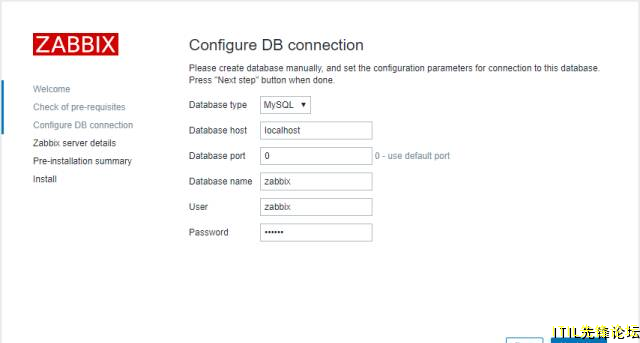
grant all privileges on zabbix.* to zabbix@localhost identified by 'zabbix'; #密码:zabbix
flush privileges; #刷新
exit #退出
初始化数据库
zcat /usr/share/doc/zabbix-server-mysql-3.4.1/create.sql.gz | mysql -uzabbix -p zabbix #回车输入密码 zabbix,稍等片刻即完成。
可以进入mysql检查zabbix库是否创建
use zabbix;
show tables;
3、配置Zabbix Server 数据库
vim /etc/zabbix/zabbix_server.conf
DBHost=localhost DBName=zabbix DBUser=zabbix DBPassword=zabbix
启动并配置zabbix server 开机启动
systemctl start zabbix-server systemctl enable zabbix-server
4、zabbix agent 安装及启动
yum install -y zabbix-agent
systemctl start zabbix-agent
systemctl enable zabbix-agent
5、PHP配置
vim /etc/httpd/conf.d/zabbix.conf
启动并设置开机启动
systemctl start httpd
systemctl enable httpd
6、开始安装
先重启下所有服务
systemctl restart mariadb
systemctl restart zabbix-server
systemctl restart zabbix-agent
systemctl restart httpd
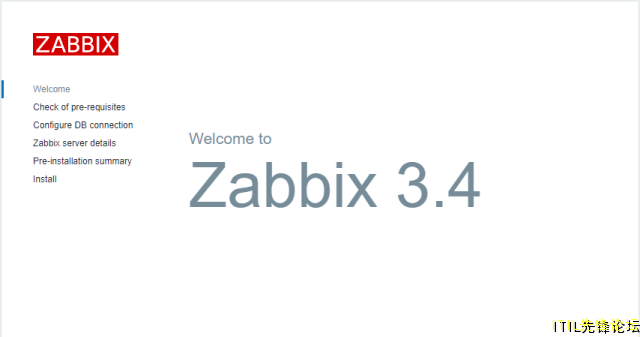
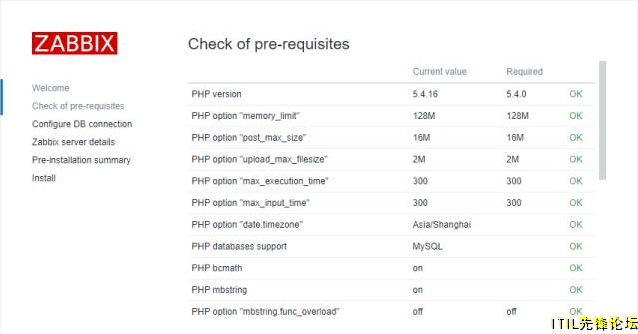
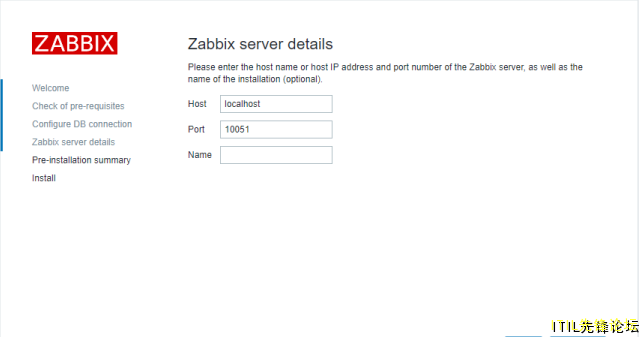
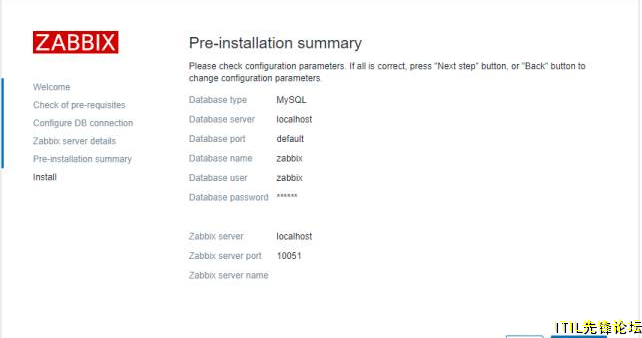
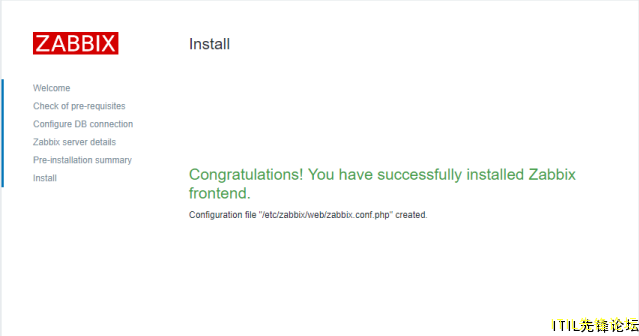
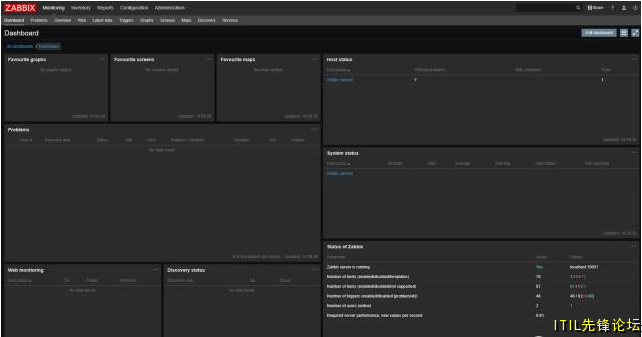
浏览器访问,中途只有一次输入数据库密码,一路下一步直到完成。
默认账号:Admin 密码:zabbix
原创:老周